
Skip to content
AppFixly
  • Home
  • About
  • Contact
  • Privacy Policy
  • Terms of Service

android update

Android Battery Draining Fast After an Update: How to Find What’s Doing It
October 20, 2026October 20, 2026 by Sabbir Ahmed
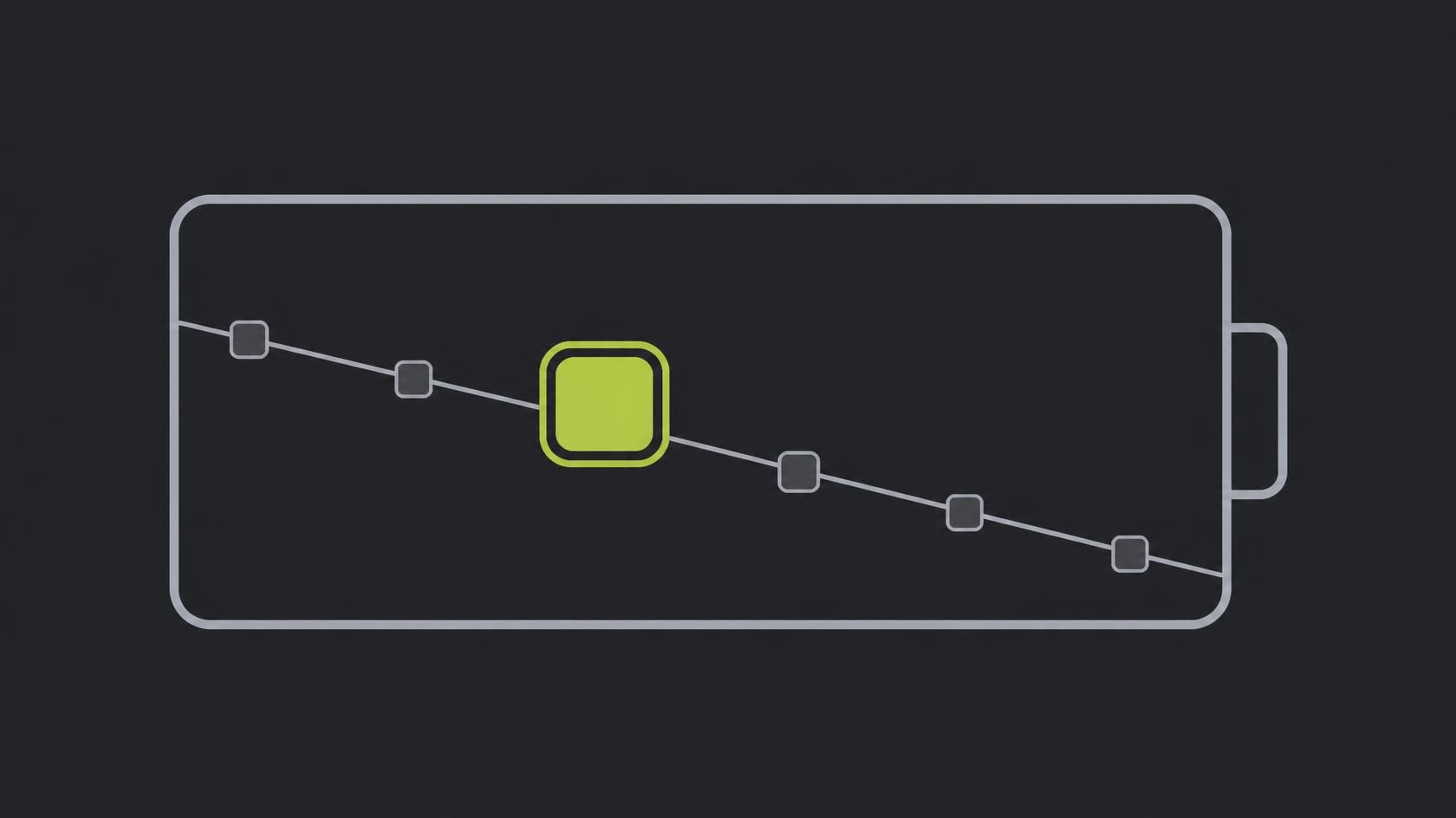
Battery outline with a falling line graph and one oversized app block along the line

After a system update, a few days of heavy drain are normal and a few weeks are not. This shows you how to read the battery screen properly, find the app that is actually responsible, and fix it.

Categories Fixes Tags android update, battery drain, battery usage, screen on time Leave a comment

Recent Posts

  • Android Battery Draining Fast After an Update: How to Find What’s Doing It
  • “Unfortunately, App Has Stopped” — 9 Fixes That Don’t Need a Factory Reset
  • How to Fix an Android App That Won’t Update from the Play Store
  • Why Your Phone Says “No Internet Connection” on Wi-Fi That Works Fine
  • Google Play Store “Download Pending”: How to Fix It for Good
© 2026 AppFixly • Built with GeneratePress

Powered by CookieAdmin
Necessary cookies enable essential site features like secure log-ins and consent preference adjustments. They do not store personal data.
None
Functional cookies support features like content sharing on social media, collecting feedback, and enabling third-party tools.
None
Analytical cookies track visitor interactions, providing insights on metrics like visitor count, bounce rate, and traffic sources.
None
Advertisement cookies deliver personalized ads based on your previous visits and analyze the effectiveness of ad campaigns.
None
Unclassified cookies are cookies that we are in the process of classifying, together with the providers of individual cookies.
None
Powered by CookieAdmin