
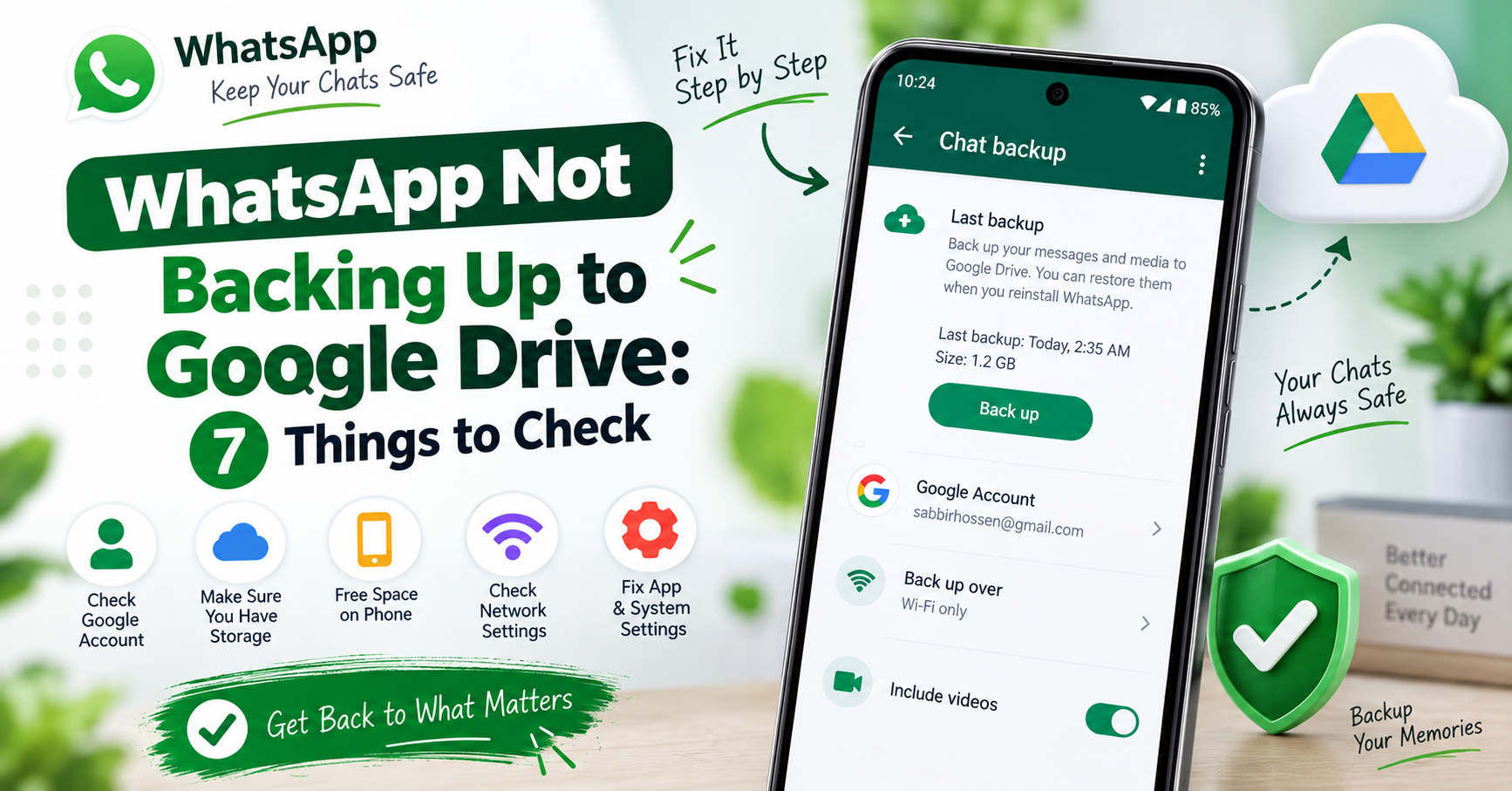
WhatsApp says it is backing up, the progress bar sits at 0%, and an hour later nothing has happened. Or the backup screen says “Last backup: never” on a phone you have used for two years.
This is almost never one big fault. It is one of seven small ones, and they are worth checking in this order — the first three account for most cases.
1. Check which Google account is selected
Open WhatsApp → Settings → Chats → Chat backup → Google Account.
If it says Don’t back up, that is your answer. Tap it and pick an account.
If an account is selected, check it is one you are still signed into on this phone. People change phones, sign out of an old Google account, and WhatsApp keeps pointing at the account that is no longer there. It fails silently.
2. Check the Google account has room
WhatsApp backups now count against your Google account storage for most users — the old arrangement where they were free and unlimited has been wound down. If your 15GB is full of Gmail and photos, the backup has nowhere to go.
Open one.google.com/storage in a browser and look at the number. If it is at or near the limit, clear space — Gmail’s large attachments and the Photos trash are the usual two — or the backup will keep failing no matter what else you fix.
3. Check there is free space on the phone
This is the one nobody expects. WhatsApp builds the backup file on the phone first, then uploads it. So a 4GB backup needs roughly 4GB free locally, even though the file is going to Drive.
On a phone that is nearly full, the backup fails or hangs at 0% with no useful message. Go to Settings → Storage and make room — and if the phone is short of space, the WhatsApp media folder itself is usually the largest thing on it, which is a useful place to start.
4. Check the network setting
Chat backup → Back up over. If it is set to Wi-Fi only and you are on mobile data, nothing will happen, and WhatsApp will not tell you why.
Change it to Wi-Fi and cellular if you want it to run anywhere — but be aware a video-heavy backup on mobile data is expensive. The better fix is usually to connect to Wi-Fi and leave the phone alone, rather than to change the setting.
Also check that the Wi-Fi you are on actually reaches the internet. A network you are connected to but not signed into — a café or office portal — looks connected and carries nothing.
5. Turn off battery optimisation for WhatsApp
A large backup takes a long time. If Android decides WhatsApp is idle in the background and suspends it, the upload stops partway and you get a backup that never finishes.
Settings → Apps → WhatsApp → Battery → set it to Unrestricted (the wording varies: some phones say “Allow background activity”, Xiaomi and similar call it “No restrictions” under App battery saver).
On Xiaomi, Oppo, Vivo and Realme phones this is the single most common cause, because their battery managers are far more aggressive than stock Android. On those phones also open the recent-apps screen, find WhatsApp, and lock it so it is not swept away.
6. Check the date and time
Settings → System → Date & time → turn on Set time automatically.
Google’s servers reject connections from a device whose clock is badly wrong, because the security certificates will not validate. The failure looks nothing like a clock problem — it looks like a backup that will not start.
7. If it is stuck at 0%
A backup frozen at 0% is a specific state, and the fix is specific:
- Force stop WhatsApp (Settings → Apps → WhatsApp → Force stop).
- Settings → Apps → Google Play Services → Storage & cache → Clear cache. Cache only — not Clear storage.
- Restart the phone.
- Open WhatsApp and start the backup by hand: Settings → Chats → Chat backup → Back up.
- Leave the phone on the backup screen, plugged in, on Wi-Fi, and do not switch away from it.
That last point matters more than it sounds. Leaving the screen on keeps the phone awake, and a phone that stays awake finishes uploads that a sleeping one abandons.
Make the backup smaller
If the backup is enormous — and on a phone in busy groups it will be — turn off Include videos on the chat backup screen.
Videos are usually eighty to ninety per cent of the size and the least valuable part. A text-and-photos backup that completes every night is worth far more than a complete one that fails.
A note on Business accounts
WhatsApp and WhatsApp Business keep separate backups under the same Google account. If you use both, check you are looking at the backup screen of the app you actually mean. People troubleshoot the wrong one for a surprisingly long time.
The short version
- Is a Google account selected, and are you still signed into it?
- Does that account have free storage?
- Does the phone have free storage? The backup is built locally first.
- Is it set to Wi-Fi only while you are on data?
- Is battery optimisation killing it in the background?
- Is the phone’s clock correct?
- Stuck at 0%: clear Play Services cache, restart, back up by hand with the screen on.